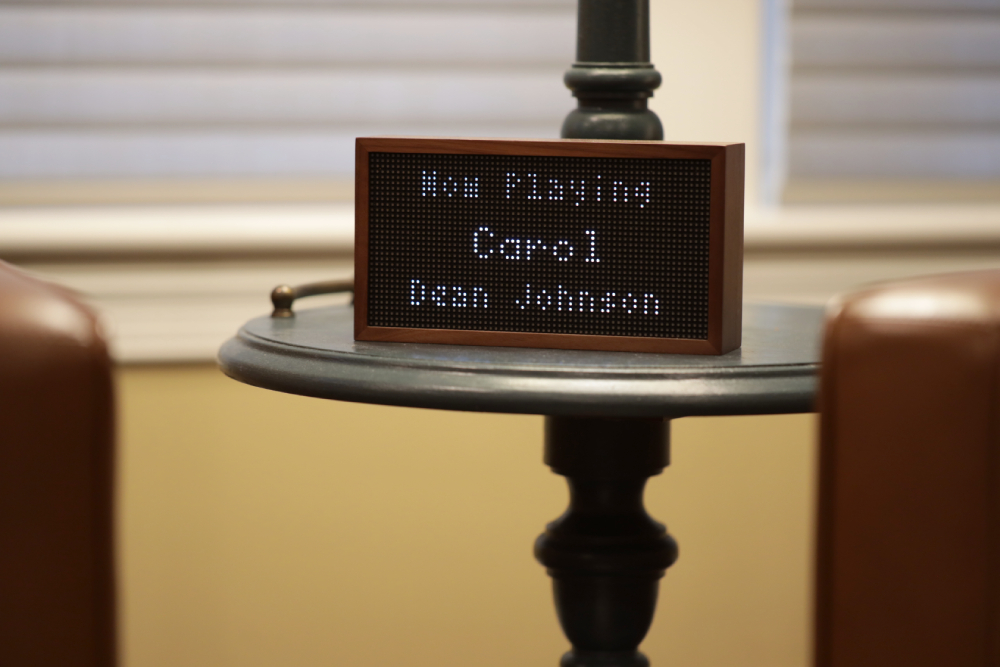
Spotify Lyrics on a Tidbyt
Discontinued or bricked hardware used to mean either tech waste or endless hours tinkering with an unfamiliar system. If you're lucky, an open source community picks up the project and repurposes a device.
But now anyone can root physical electronics and build themselves just about anything, with the help of AI coding agents that can figure out the hard stuff. That's happening with old iPads, E Ink devices, and lately a hodge podge of AI hardware that came and went in as little as two years (like the Humane AI Pin and recently the Rabbit R1).
I really love this use case for AI - because as you know by now I really love building for physical devices as a hobby. And for me I still go back to the classic Tidbyt for fun projects that look retro and don't take themselves too seriously.
And one thing I've always wanted is to display live Spotify song lyrics on my Tidbyt, so that my kids can actually see the lyrics to music we're listening to.
Well after a year of tinkering, I finally got it working to a point where I want to share it with other Tidbyt owners.
This article walks you through how to set this up for your own Tidbyt, if you're lucky enough to still have one of these gizmos. The code is on GitHub.
The Challenge
If you've read my other post about building a calendar app for the Tidbyt, you might already know that the Tidbyt closed app system died down when the company shut down. There's still some life left in old apps, but there's not much support for new ones.
A separate project, Tronbyt, has brought new life to Tidbyt apps by offering both a hosted server as well as instructions to serve your own apps locally.
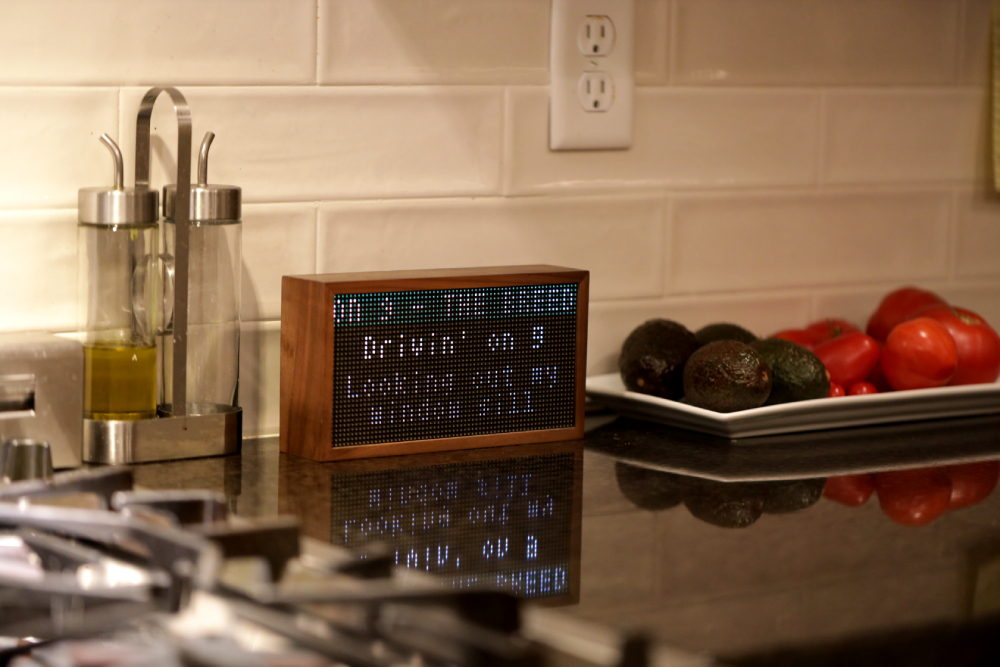
But for a lyrics machine to work, I knew there was probably no way this could work with even Tronbyt. Lyrics require ultra frequent updates to the display, whereas the typical refresh of Tidbyt apps take at least a few minutes through API calls and caching. Otherwise the servers would be hammered with constant client requests for individual Tidbyts to receive fresh pixels.
Maybe I'm wrong and there's a way to serve this app up over Tronbyt, but for this project I skipped it and went straight to a CLI app. When it's running locally, your own computer renders every frame and pushes it to your Tidbyt through the Tidbyt push API. No app server sits in between, so the display updates as often as the loop runs.
The catch is that every frame goes through Tidbyt's servers, which are still online for now. The next step I'd like to try is a local Tronbyt server. A Tidbyt flashed with Tronbyt firmware gets its images from a server on your own network, so the frames would stay on your home network and the app wouldn't depend on Tidbyt at all. I haven't built or tested that yet.
The Timing is the Hardest Part
When I started this app a year ago, I got to a point where some lyrics displayed in sync with the song, while others lagged. And the thing about a lyrics machine is if it lags even by a second, it becomes absolutely no fun.
So I put it away, thinking if even a frontier LLM can't solve this then it's unsolveable. Then one day I came back from a short trip to find that Claude Fable was released. The world's most intelligent LLM, the one and only Mythos.
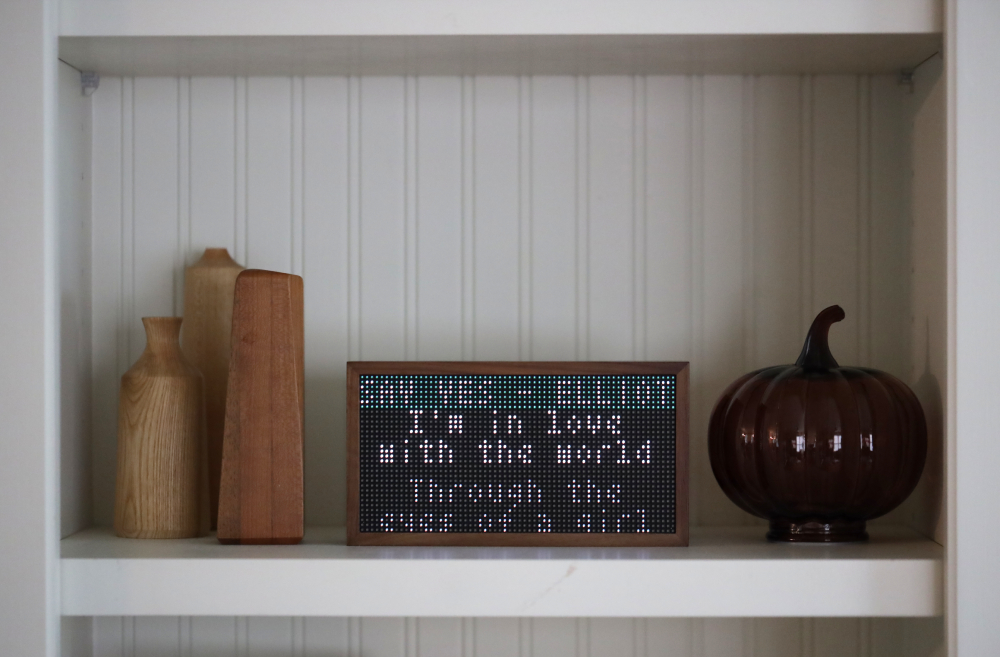
This was an early Friday evening, so without a thought I sent Fable at my Spotify Lyrics Machine and it produced a lyrics sync that was near perfect. I was stunned. After dinner I came back to it, excited to add even more hardening and better UI refreshes, but alas, Fable was suddenly inaccessible.
So yea, while many developers used their legendary 3-day Fable access to refactor millions of lines of code and create beautiful SaaS products... I had a couple hours with it and used it on a cute lyrics machine. No regrets!
How It Works
If you have Spotify you know that many - but not all - songs have live lyrics available. But unfortunately their API doesn't give you access to those lyrics.
So for this project, here's how the app works:
- You play a song while logged into your Spotify account.
- The app continually polls to see what's playing in your account.
- It then fetches the lyrics from LRCLIB.
- And then gets the current playhead.
- It does a lot of complicated UI calculations to show you a 64x32 pixel display of precisely what's playing at this moment, along with a scrolling header and sometimes the upcoming lyrics if there's space.
- And then it tries really hard to keep up with updating the display as the song continues.
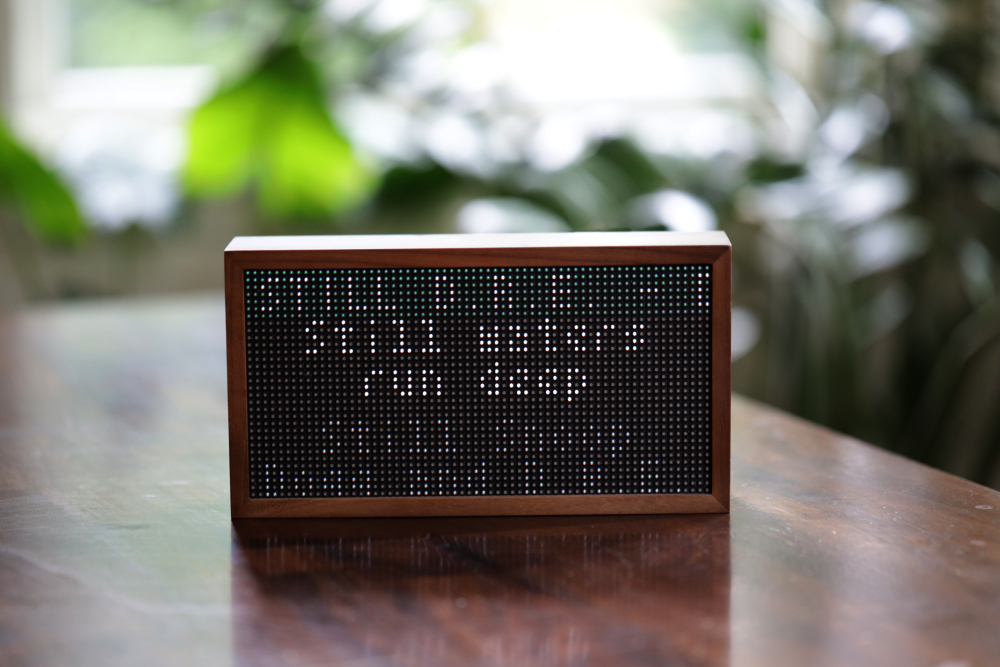
Rap songs are the hardest because there's a ton of lyrics in a short timespan. So for the most challenging test I played Dr. Dre's '2001' album from beginning to end. Maybe that's not the fastest rap but I consider that a success.
The Technical Details
A loop renders the Starlark app with pixlet every two seconds, so the display always matches what's playing. Each cycle takes about a third of a second to render, and it takes up to a second to push the frame out. Each frame is a single static WebP image, pushed to the device through the Tidbyt push API. If the network flickers, the last frame just sits there until the next update lands.
Because pixlet has a hardcoded five-second timeout but LRCLIB often takes up to seven seconds to respond, a local proxy on port 5555 handles the requests. The proxy allows thirty seconds for fetches and caches results in memory. Without that bridge, the renderer would time out on every slow lyrics request. The app itself is written in Starlark, the same pixlet app format that Tidbyt and Tronbyt servers run.
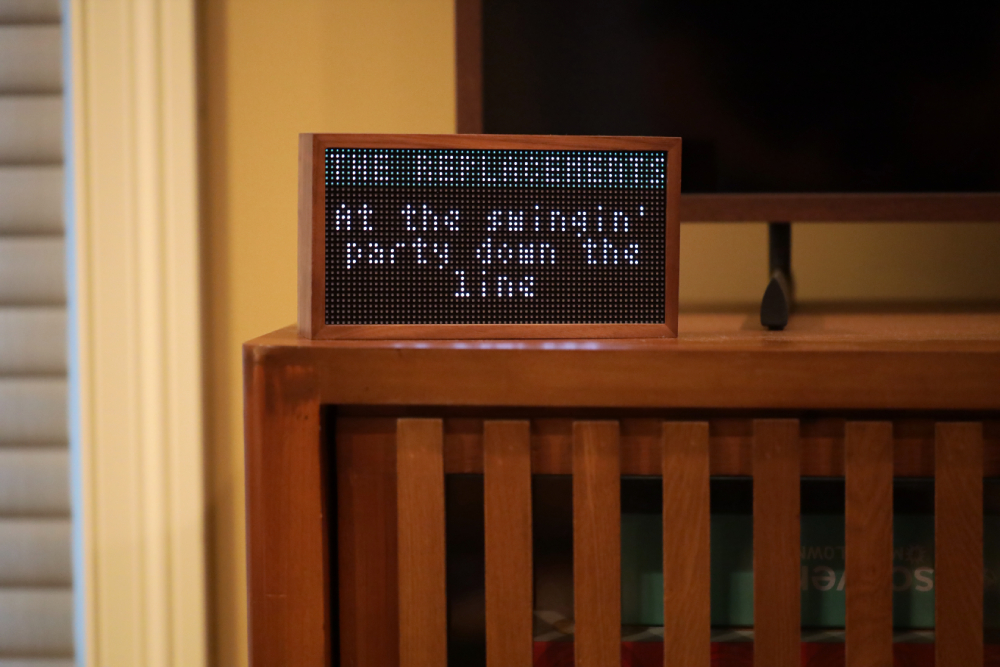
My first version used animation, where one render draws many frames that play in sequence. That approach failed hard. Pixlet crashed with read and write errors, the frame timings drifted away from the song, and the scrolling header restarted every time a new frame appeared. So I switched to single static frames, pushed one at a time. The timing is way bet ter now, because every render asks Spotify for the real playback position at that moment, instead of trusting a timeline it calculated earlier.
The 64x32 pixel layout features a 7-pixel header with a scrolling marquee that has continuous visual motion across the screen even while the lyrics are changing. I use a tom-thumb font and lowercase letters to maximize space. The text is small, but on a device this size it's surprisingly easy to read.
After testing, I found that 80 percent of the lines fit within four rows without needing any extra vertical space adjustments or padding. Another 15 percent need a tightened fifth row to show the full line. The final 5 percent of long lines get truncated with an ellipsis, to keep the layout tidy. This keeps the text from spilling off the bottom of the physical display.
What You Need
The only two requirements are a Tidbyt and a Spotify developer account with a client id and secret. There are some restrictions, like you need to have a Spotify premium account. But the platform is built for tinkerers, so it's not too hard to get started.
Head over to the Spotify developer dashboard to create a new app, grab the client ID and secret, and then set http://127.0.0.1:8080/callback as the redirect URI. You can leave the App Status as Development mode since this is a personal project.
After those settings are saved, you'll run a command in your terminal that opens a browser window, and you grant the app access to your account. This process will redirect you to your local server, and show a code that you must copy back out. You then exchange that code for a refresh token, so the script can stay logged in without asking you again. It only happens once.
Now that you have your refresh token, you need to put it into your .env file, so the local pixlet loop can keep the session alive. The script uses these keys to fetch the lyrics from LRCLIB, while it pushes frames to your display.
The exact commands for every step are in the README on GitHub.
Use Cases
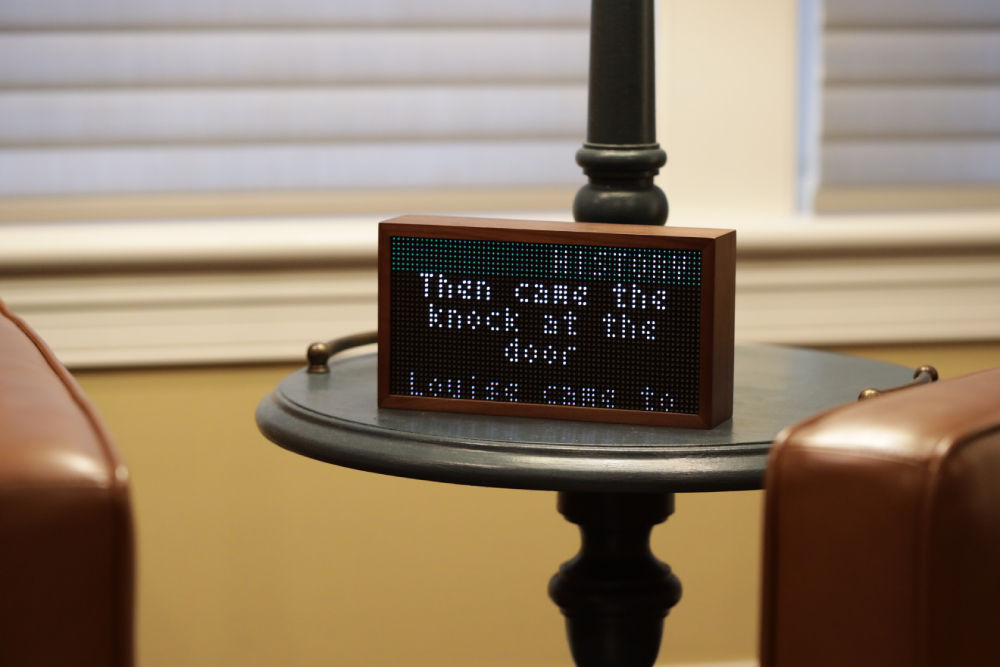
What can you use a Tidbyt Spotify lyrics machine for? In our home we have it in the kitchen/dining area. When nothing is playing, the device is dark. Then when we get home and start playing music, it lights up with the lyrics. How cool is that?
I can imagine businesses with a Tidbyt could also use it as a decorative element in a store or office environment.
Or maybe you have a teenager who would think this is the coolest bedroom accessory ever.
I wish I could turn other discontinued physical devices into a lyrics machine, like even the Spotify Car Thing would be perfect. Having something always on in the car for the kids to see would be really cool. Maybe I'll try that eventually.
But for now this little retro device in our home is pure fun. And it's just one example of many ways people are repurposing old hardware into new toys.
Questions
Why does the app not use Spotify's own lyrics?
The public Spotify Web API doesn't expose the timed lyrics seen in the official app, so this project fetches data from a different source. The app pulls from LRCLIB, which provides synced lyrics for free and without an account. A community database carries the exact timestamps the display needs, and it sidesteps what the official developer tools won't give you.
How do the lyrics stay in sync?
The system uses a latency offset added to Spotify's progress to account for the time it takes to render and push frames. A calibration script measures real device lag to set an accurate offset for your specific setup. Static frames query the real-time progress every render to keep the text from drifting. These combined methods ensure the text matches the audio you hear through your speakers.
What happens with fast songs?
When lyrics move quickly, the app uses overflow rules to handle lines of text that don't fit on the small screen. About 80 percent of lyrics fit within the first four rows without any issues. Another 15 percent of lines require a fifth row where the line spacing is tightened. The remaining 5 percent of lines are truncated with an ellipsis to maintain the layout.